
Now on the App Store
Fish Wizard
Your water. Your story. Keep every trip, catch, photo, and detail in one private fishing log—then turn your time on the water into useful insight.
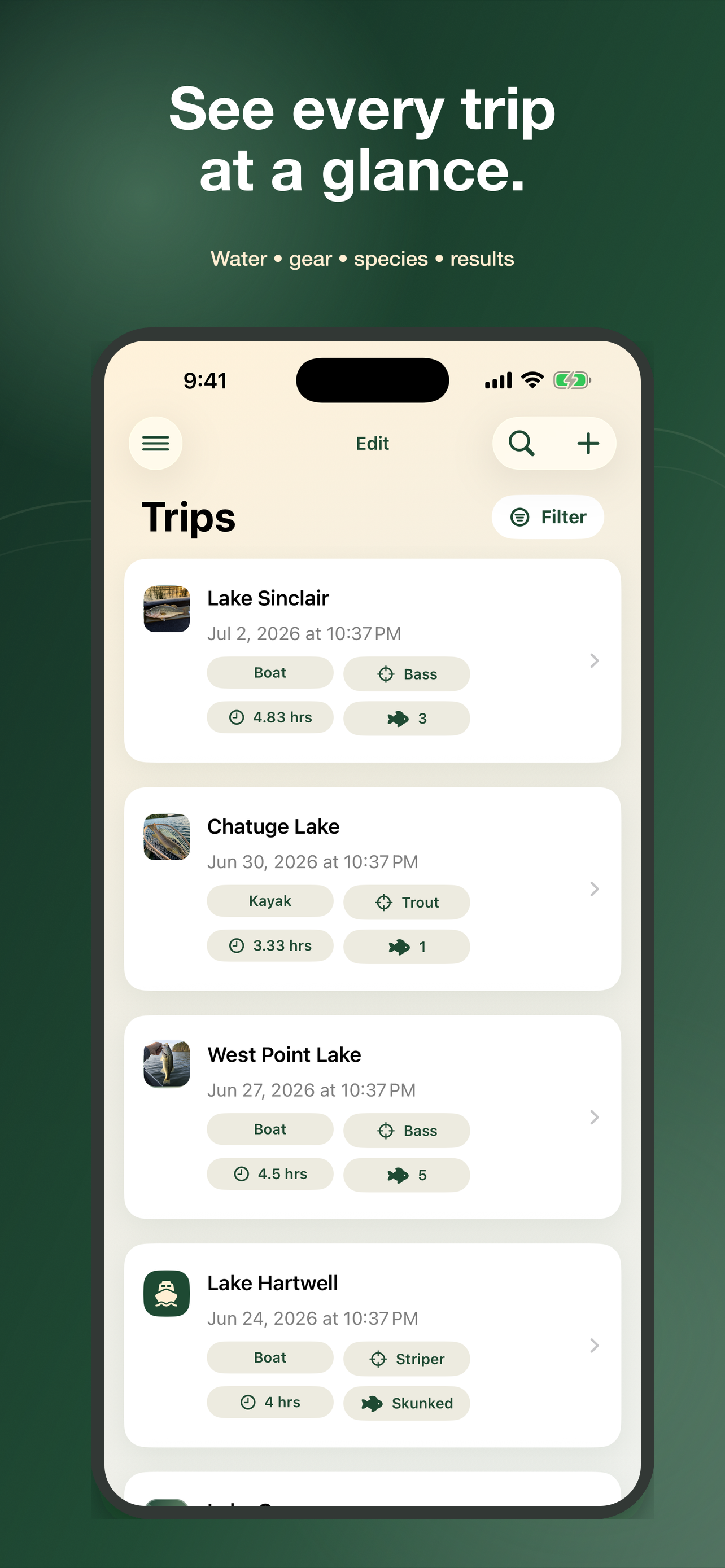
Remember Every Detail
Log trips, catches, photos, measurements, and locations. Opt in to auto-fill weather, water conditions when available, and moon phase for the time and place of each catch.
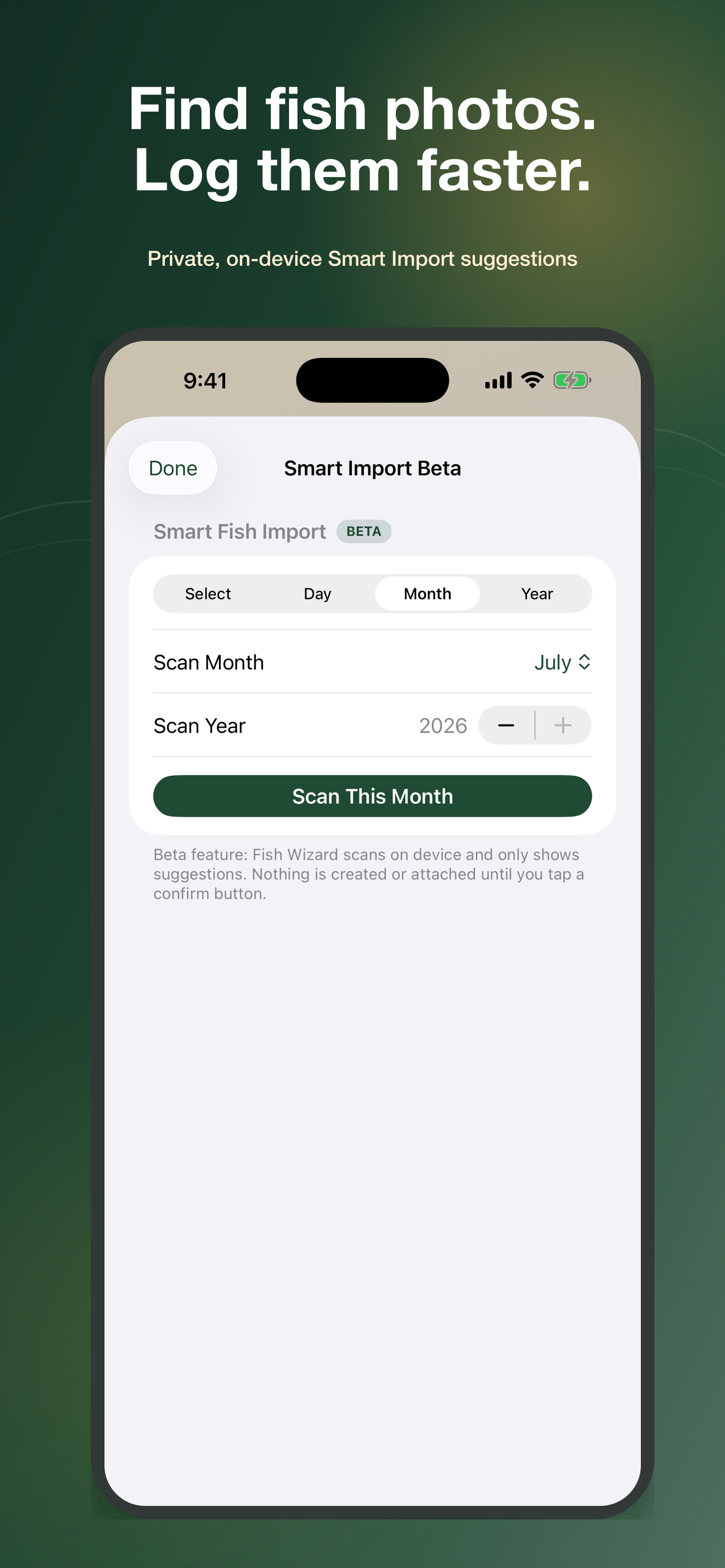
Find Fish Photos Faster
Smart Import scans your photo library on-device to suggest likely fish photos. You stay in control—nothing is added until you review and confirm it.
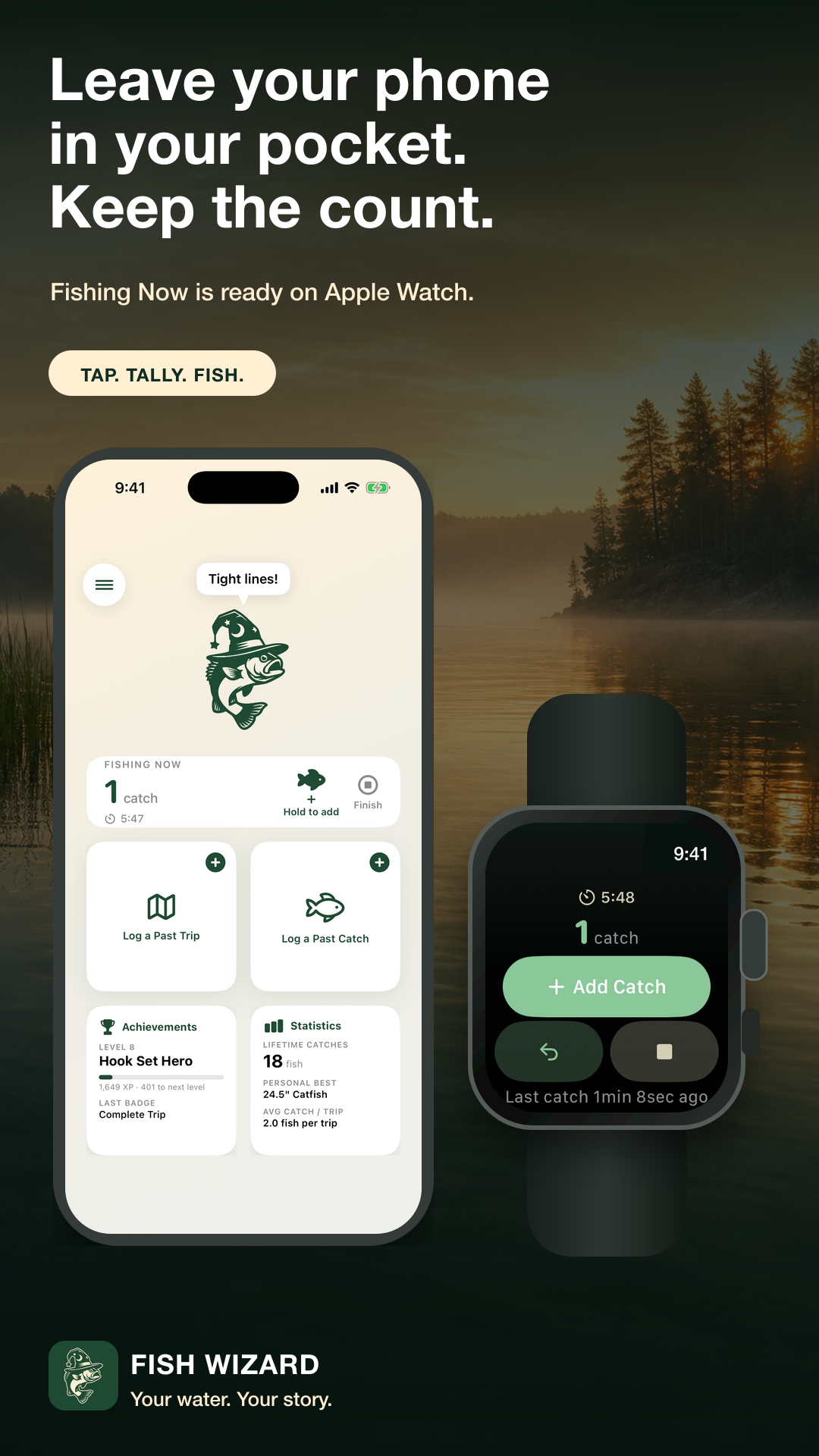
Fish Now, Then Look Back
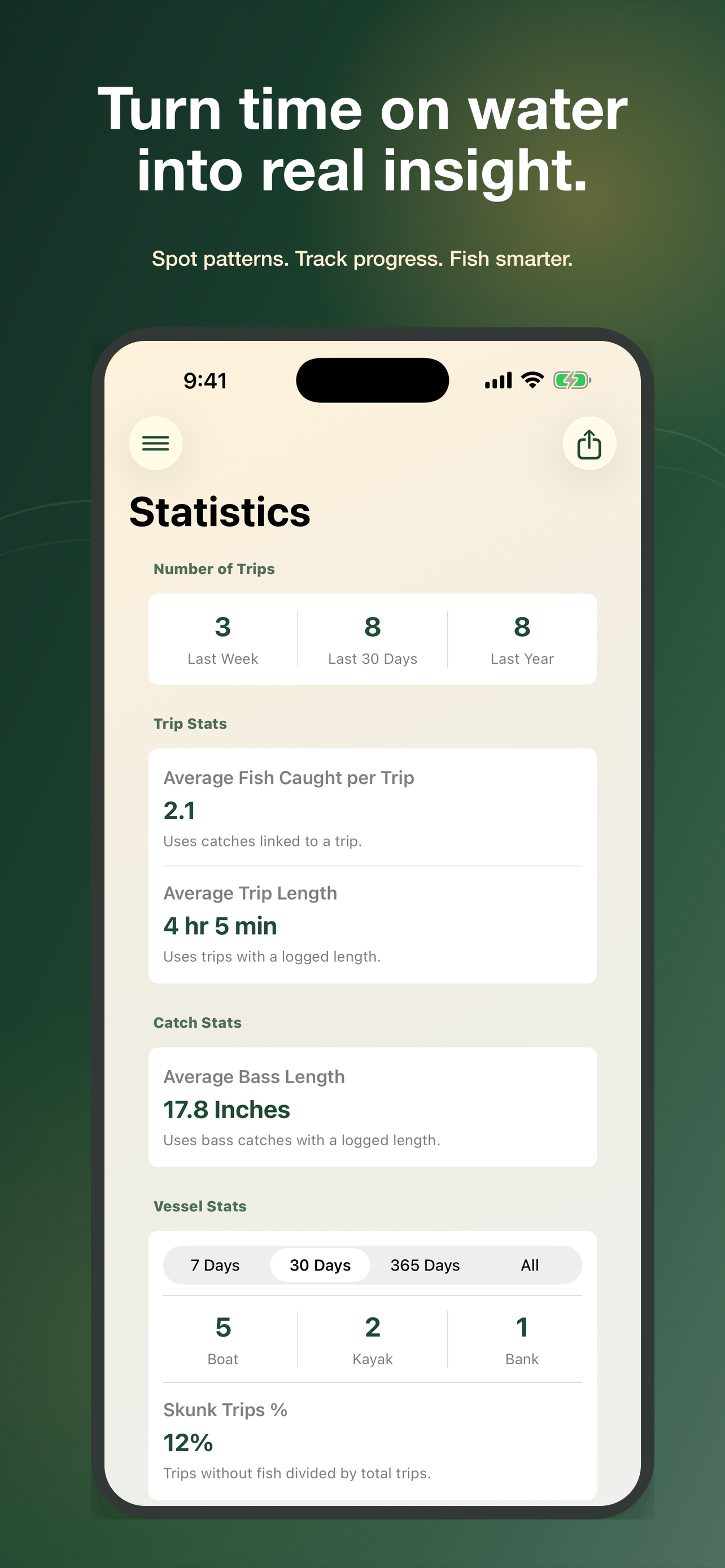
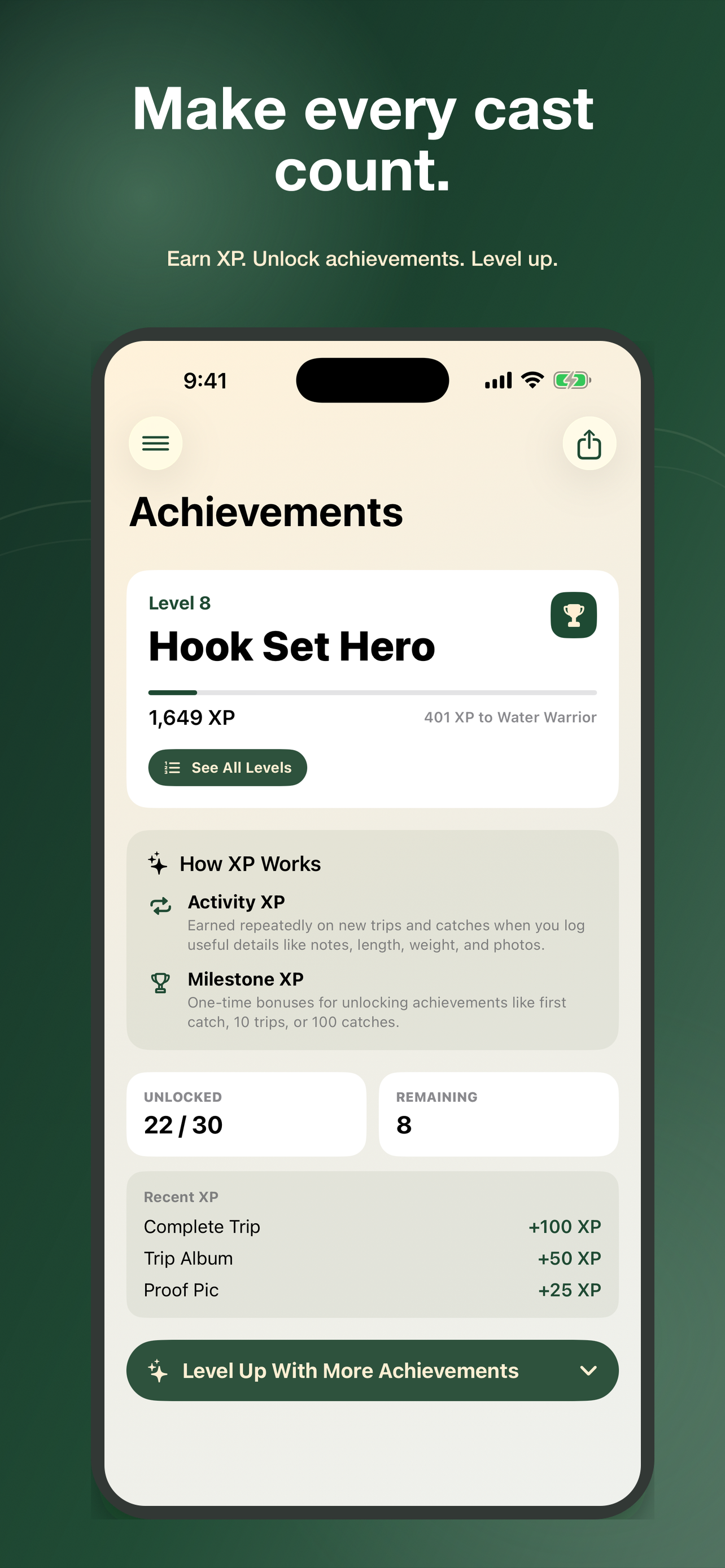
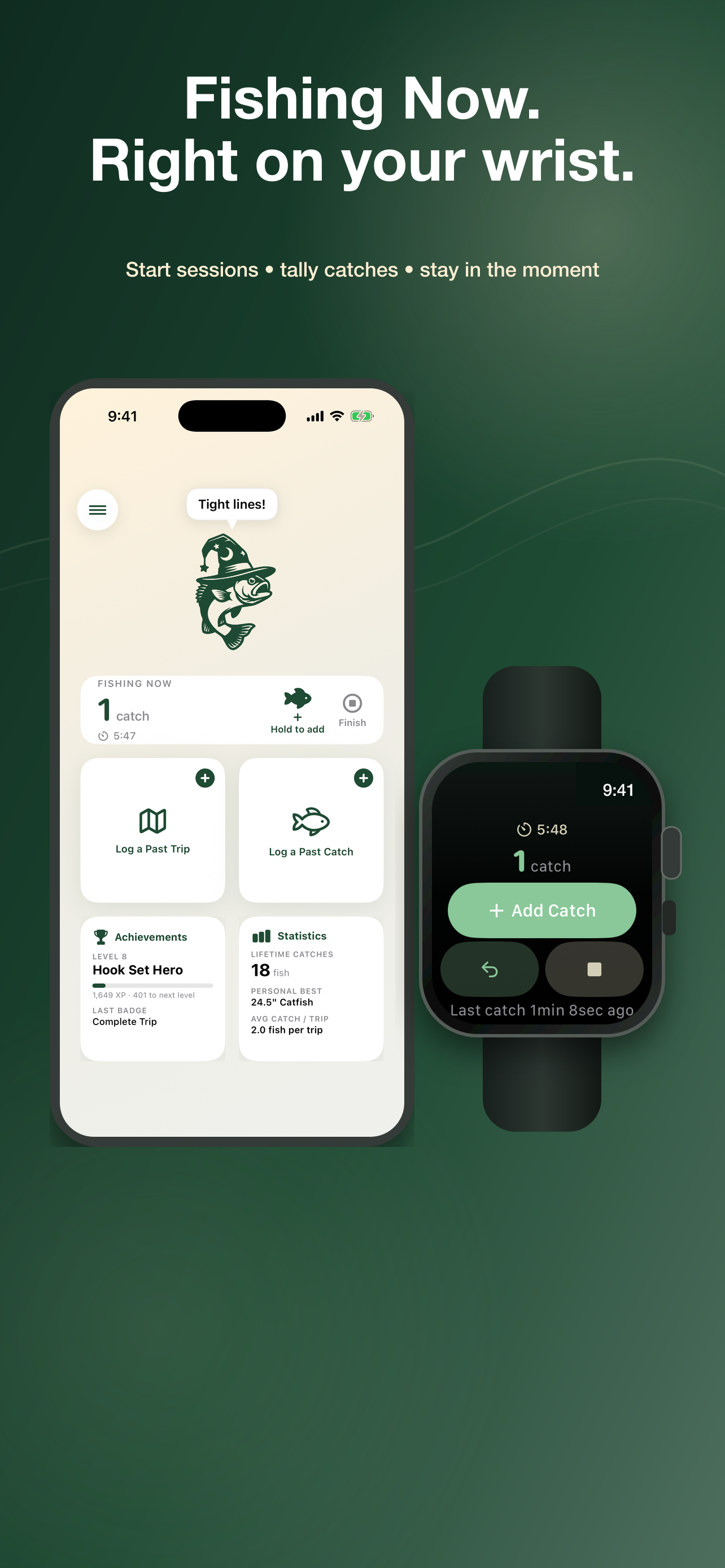
Start a live session, tally catches as they happen, and finish up later with the details. Track stats, personal bests, achievements, and shareable highlights along the way.
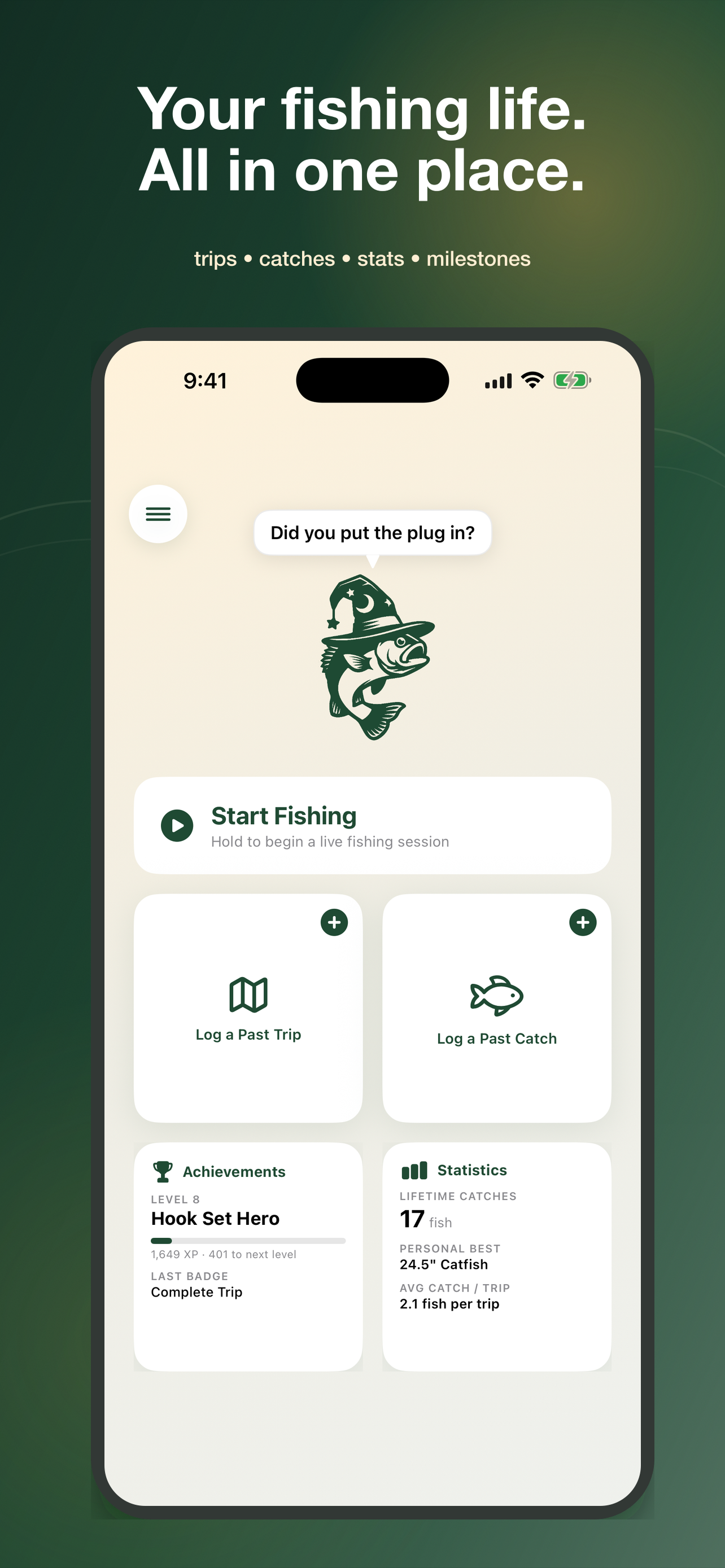
Built for days on the water
Log it. Live it. Learn from it.
From a quick tally while the bite is on to the patterns you spot at home, Fish Wizard keeps your fishing history useful and yours.
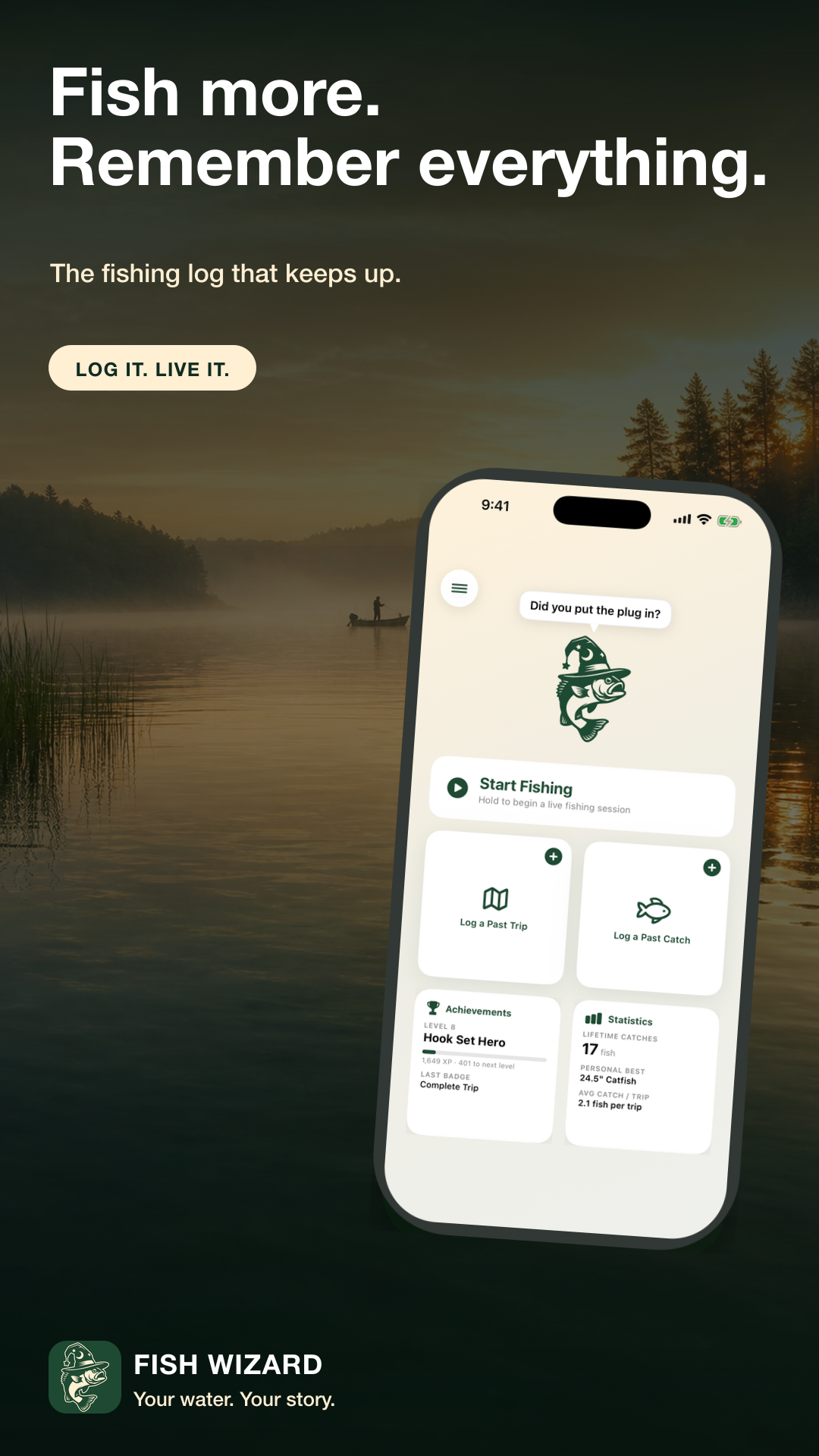
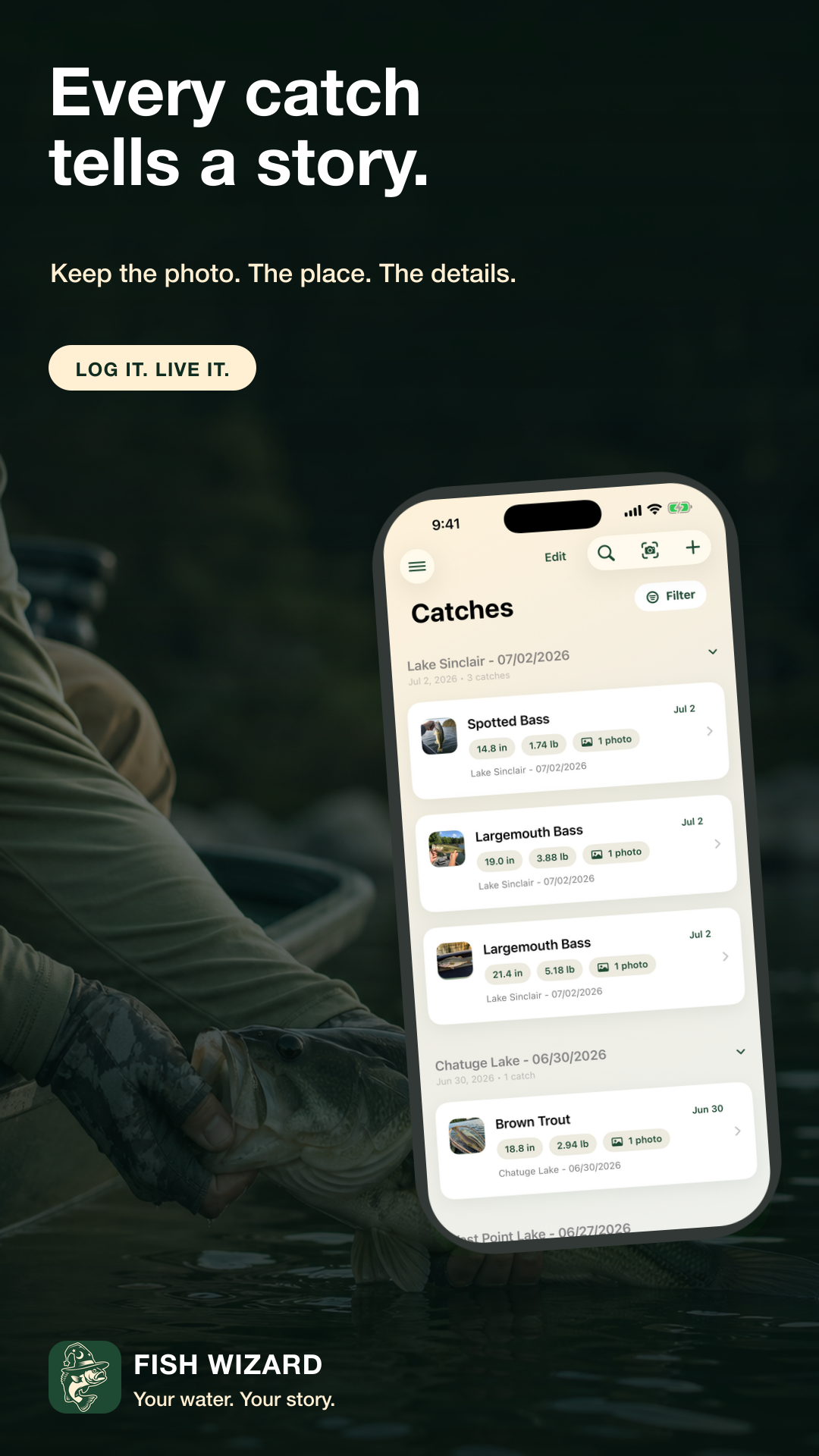
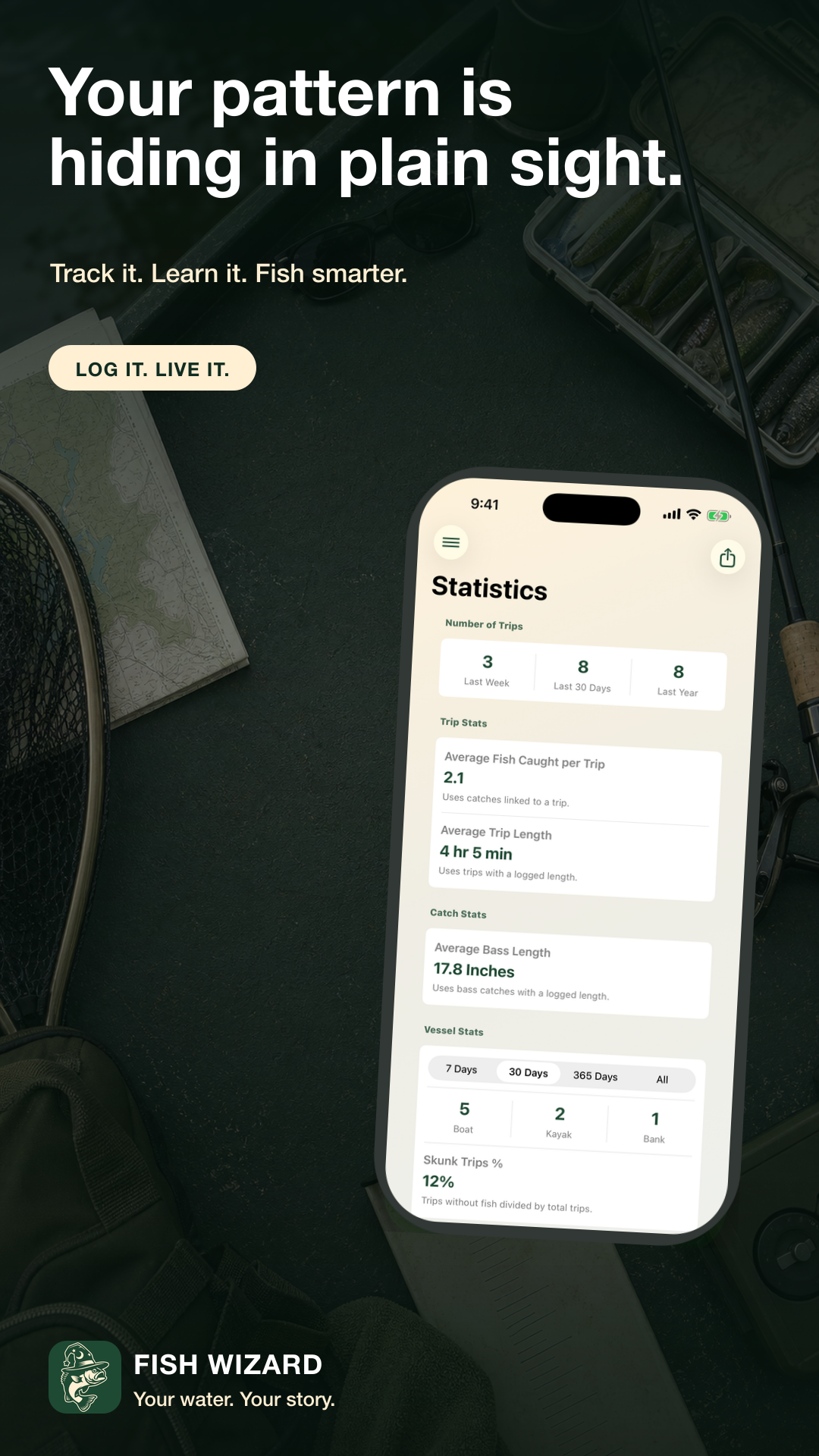
Inside Fish Wizard
A fishing log that keeps up.
Bring in photos with Smart Import, save the conditions behind the catch, review your progress, and keep an active Fishing Now session within reach on Apple Watch.
Get Fish Wizard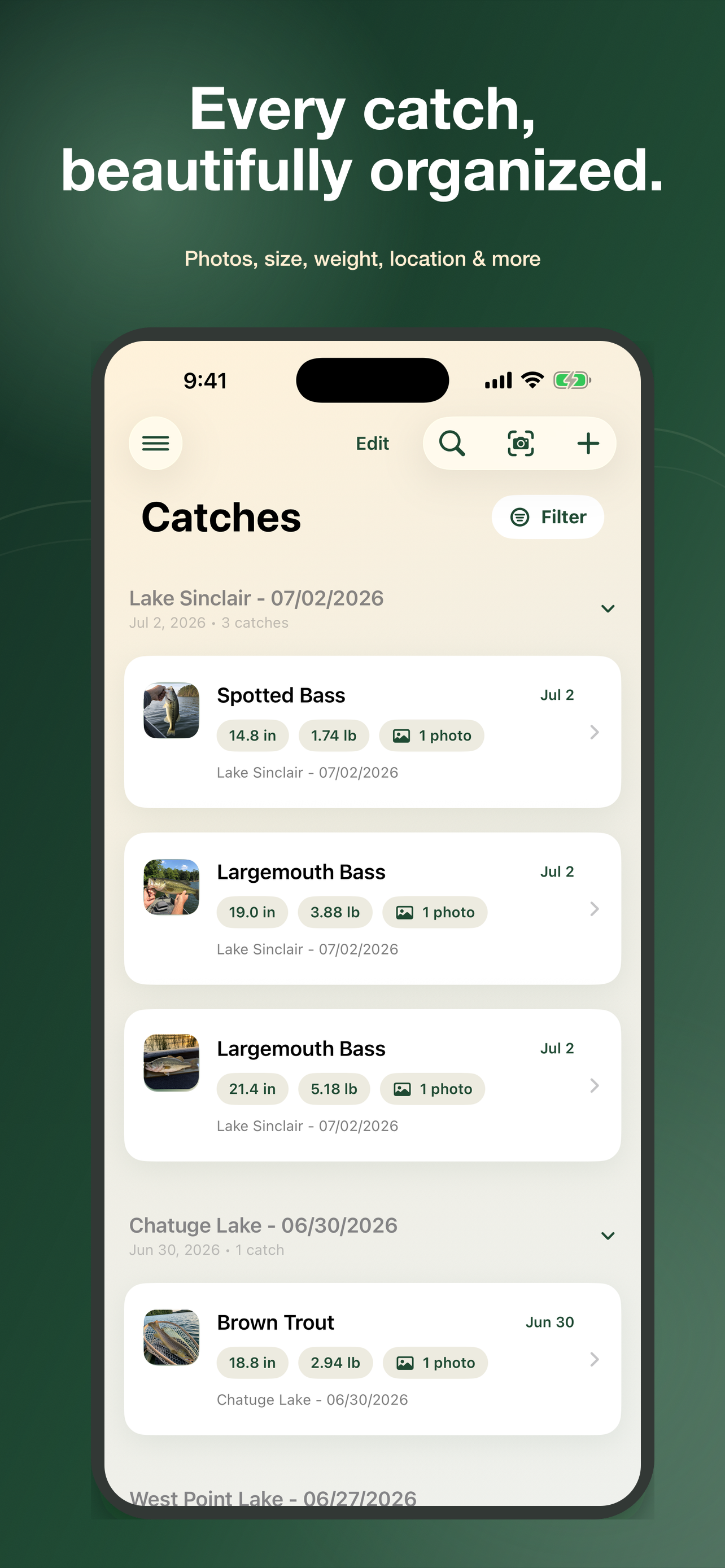
Fish Wizard FAQ
Answers for days on the water.
Learn how logging, Fishing Now, Smart Import, privacy, backups, achievements, sharing, and compatibility work.
Loading frequently asked questions…
Fish Wizard Support
How can I help?
For technical support, bug reports, general feedback, or feature requests, email Fish Wizard support directly.
collab@shaywadefishing.comProvided by Shay Wade Fishing in Northeast Georgia, United States.
Read the Fish Wizard Privacy PolicyBefore you send
What should I include in a support email?
Include your iPhone model, iOS version, Fish Wizard version and build, what you expected, what happened, and a screenshot or recording when possible.
Can I send feedback or request a feature?
Yes. Ideas, general feedback, and feature requests are welcome at the support email above.
Should I send my backup or private photos?
No. Please do not send a JSON backup or private fishing photos unless support specifically requests them and you are comfortable sharing them.